
AI Bazaar Engine · v1.0.0
One‑Click
Install Local
AI & Open Source Apps
Run AI models and GitHub apps directly on your hardware. No cloud. No subscriptions. No terminal.
Download
Get the Engine
Version v1.0.0 · Free & open source
Windows
Windows 10 & 11 · 64-bit
macOS
Apple Silicon & Intel · Universal
How it works
Simple as 1‑2‑3
Three steps from zero to running AI on your own hardware.
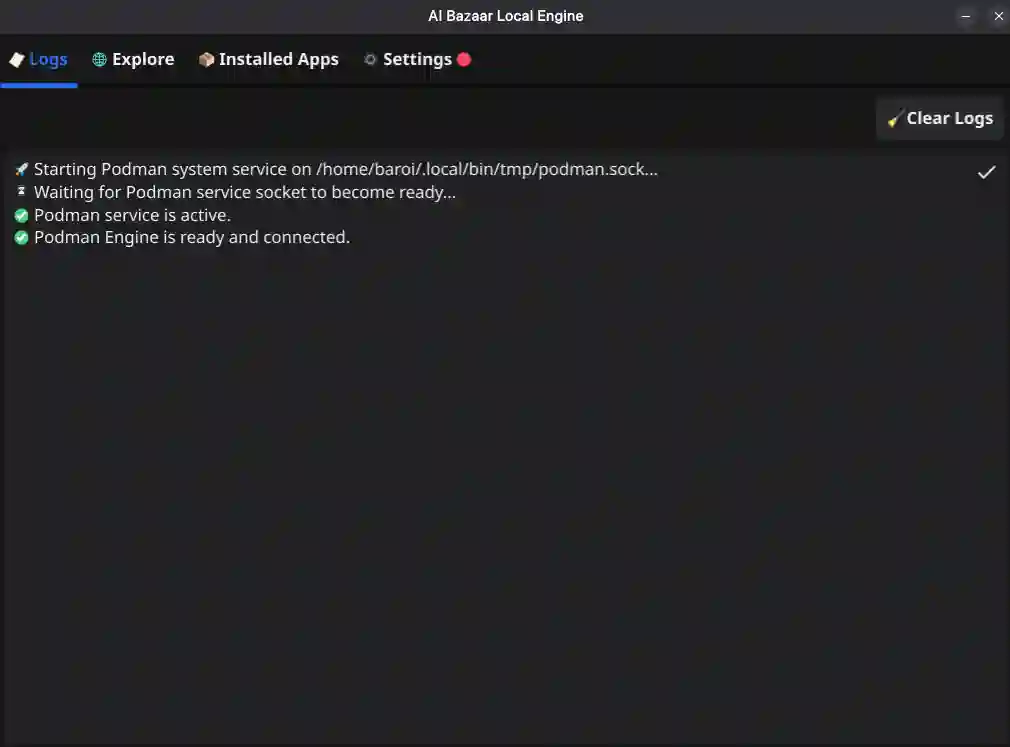
Install & Start the Engine
Download and run the installer. The engine starts Podman, detects your GPU, and connects automatically. No terminal needed.
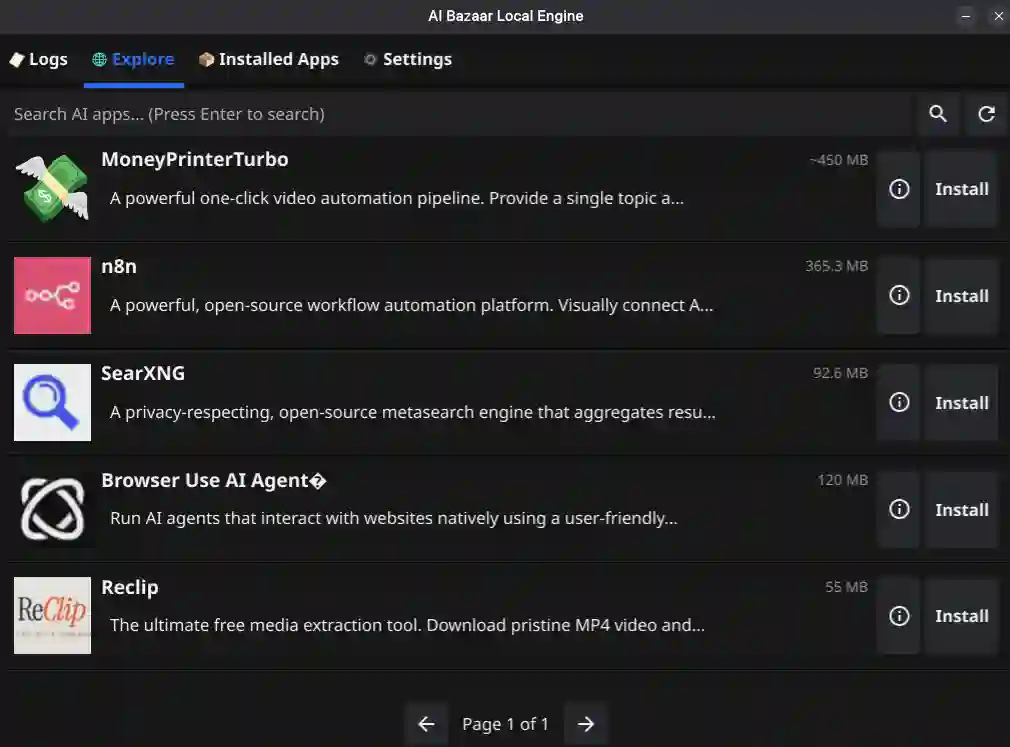
Browse & Install Apps
Find any AI model or open-source GitHub app and click Install. The engine pulls and sets up everything for you automatically.
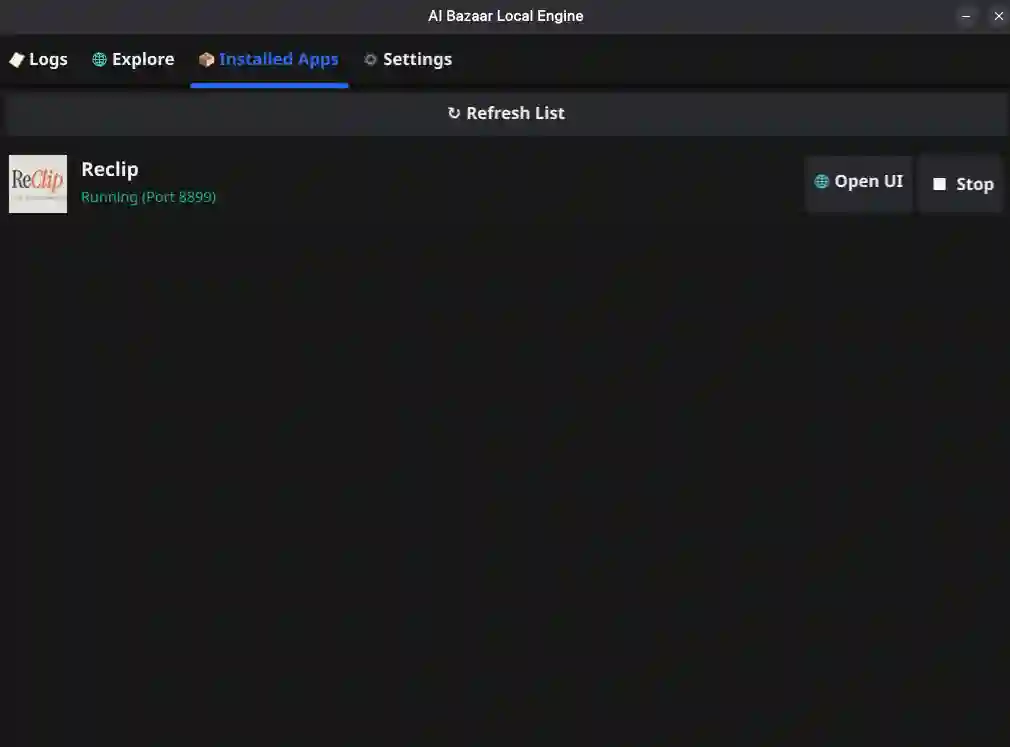
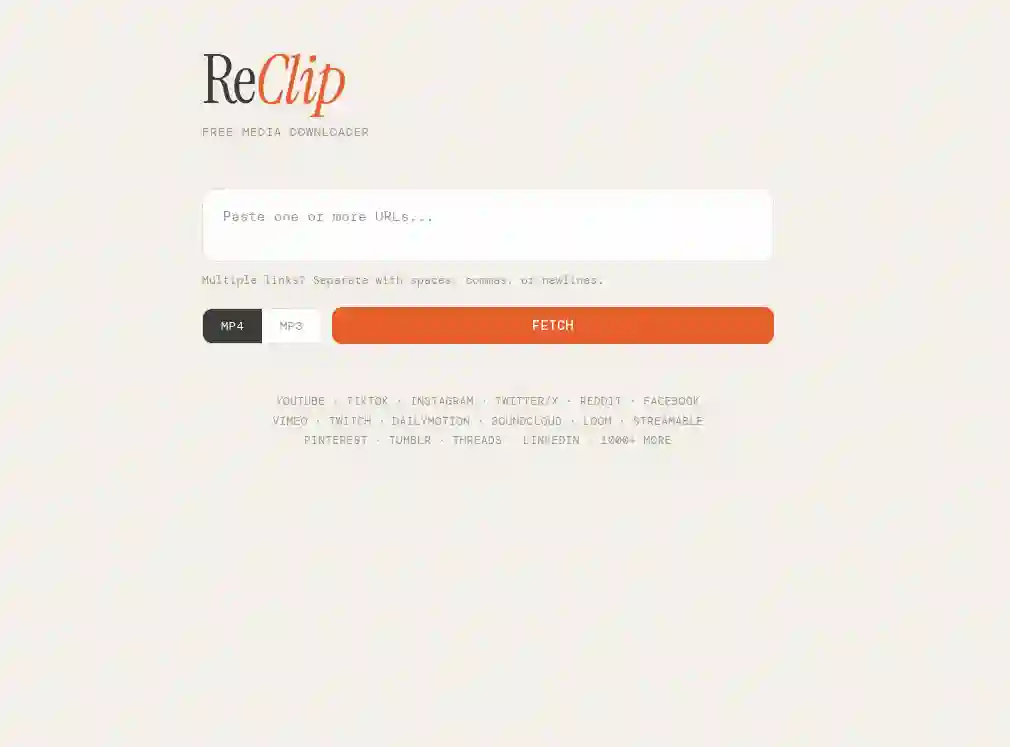
Run & Open in Browser
The app starts in an isolated container and opens its web UI in your browser. Your data never leaves your machine.
Mobile devices not supported
The AI Bazaar Engine needs desktop hardware and OS-level container support via Podman. iOS and Android cannot run local AI containers. Use the free browser-based tools on mobile instead.