
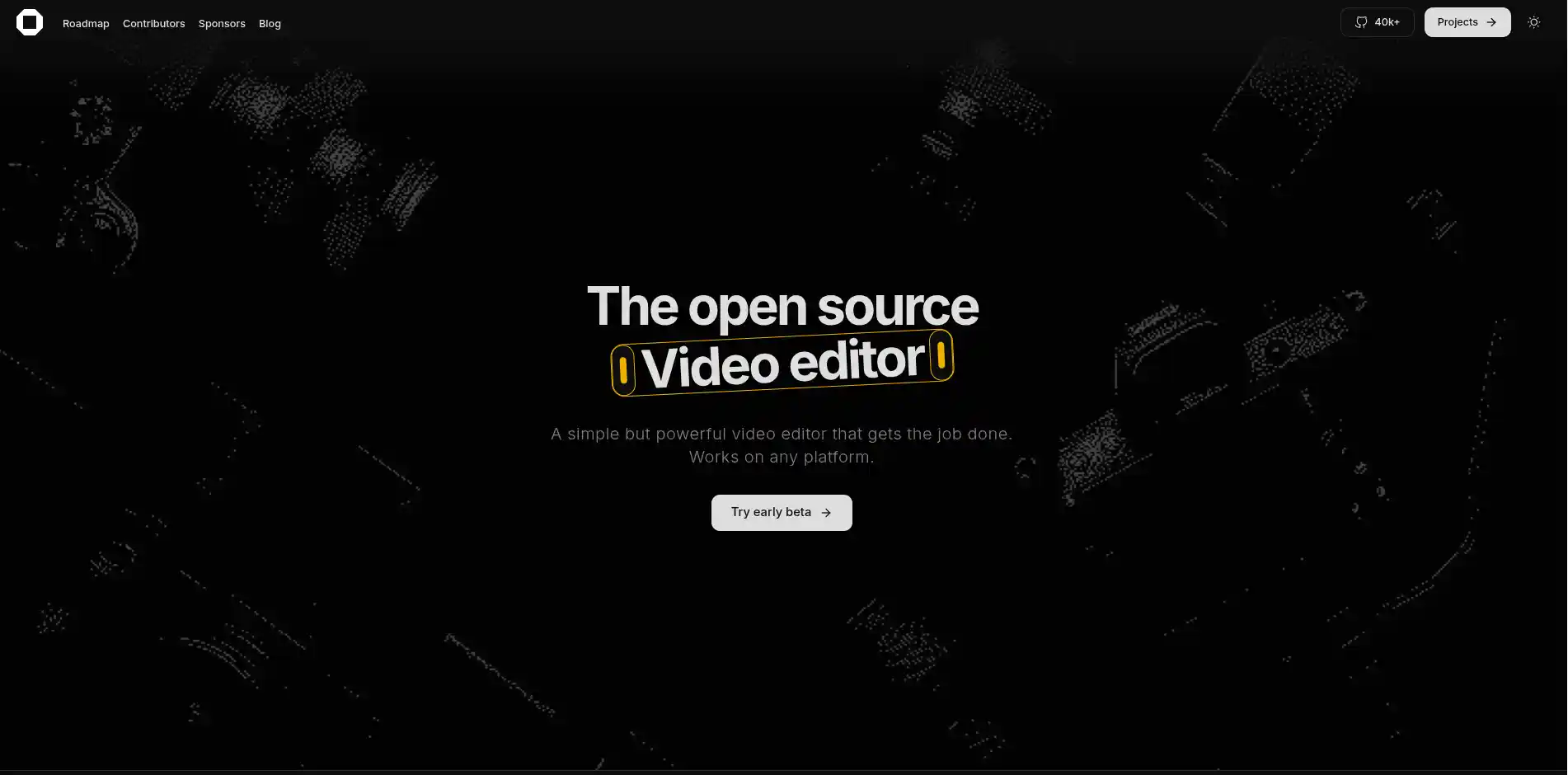
A free, privacy-first video editor that runs entirely in your web browser. Edit locally using WebAssembly without uploading files.
Video EditingVisionVideo
Screenshots
App Information
Environmentlocal
Size0 MB
CostFree
PlatformsWeb, ALL
About this app
Professional Video Editing, Zero Installation.
Video editing used to mean choosing between downloading massive, resource-heavy desktop software or paying for expensive cloud-based subscriptions where you have to wait hours to upload your footage.
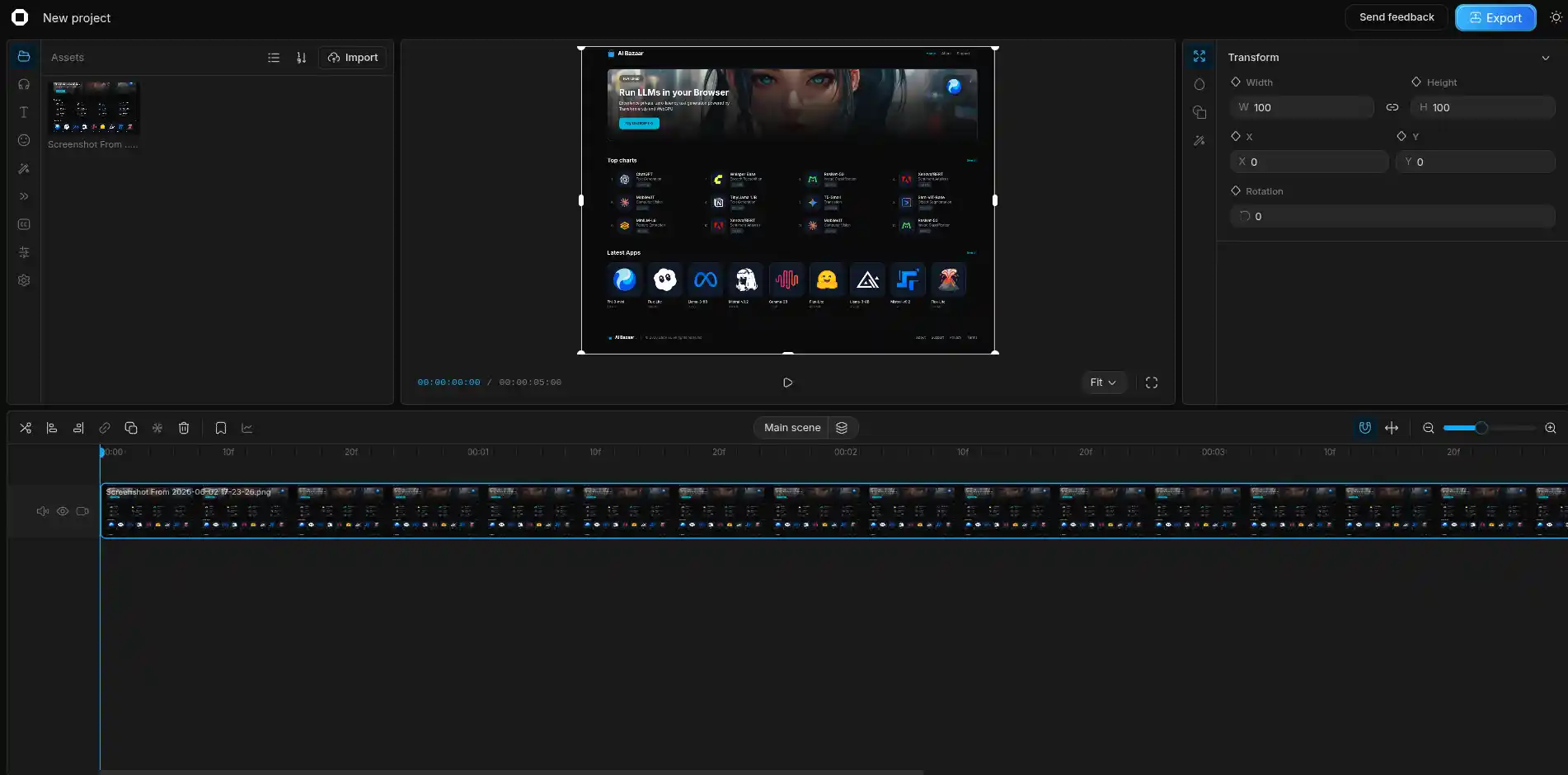
OpenCut fundamentally changes the game. It is a powerful, open-source video editor that runs entirely within your web browser, utilizing the full power of your local machine.
Why OpenCut is Revolutionary
- Absolute Privacy: Unlike typical cloud editors, OpenCut does not upload your video files to a remote server. Your raw footage never leaves your computer, ensuring maximum security and zero upload times.
- Powered by WebAssembly: By compiling complex media processing engines into WebAssembly (Wasm), OpenCut runs near-native speed directly in Chrome, Edge, or Firefox. It leverages your local CPU and memory.
Getting Started with OpenCut
Because OpenCut is a Progressive Web App (PWA), there is no .exe or .dmg file to download.
- Launch the App: Click the "Launch Web App" button above to open the editor in a new tab.
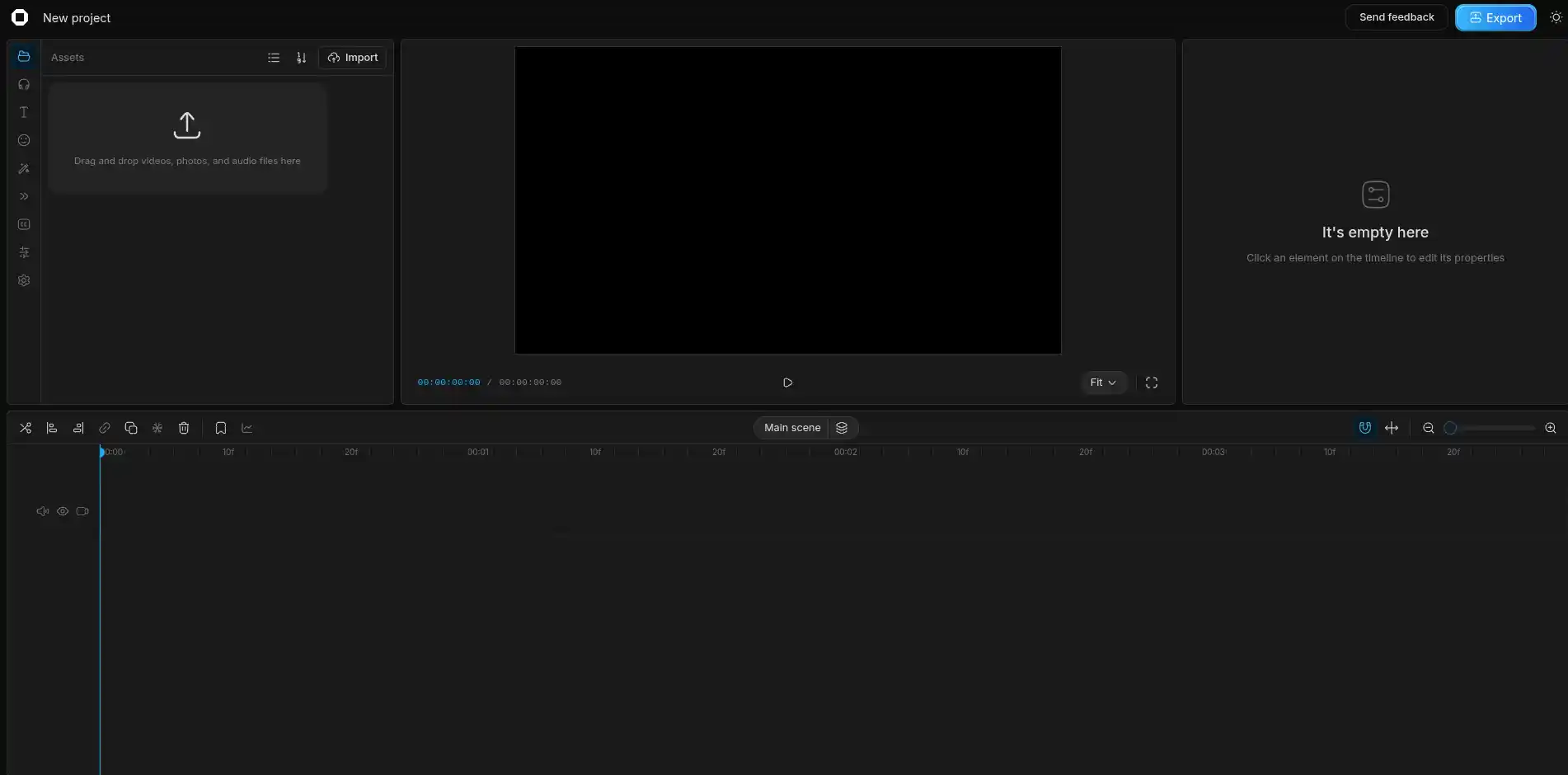
- Import Media: Drag and drop your video and audio files directly onto the timeline.
- Edit & Export: Cut, trim, and arrange your clips. When you are done, the rendering happens locally in your browser and instantly downloads the final
.mp4to your hard drive.
Pro Tip: Most modern browsers allow you to "Install" OpenCut as a standalone window. Look for the install icon in your URL bar to pin it directly to your taskbar or dock!
System Requirements
Modern Web Browser (Chrome, Edge, Firefox)