
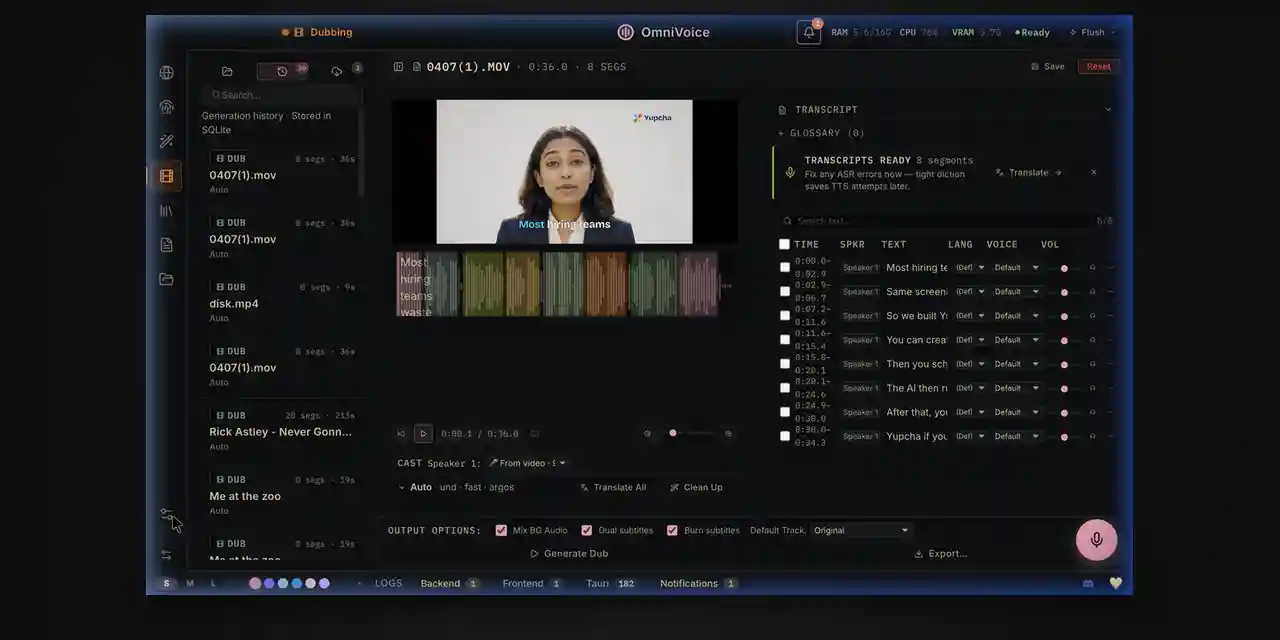
The Open-Source ElevenLabs Alternative. Experience real-time dictation, zero-shot voice cloning, and cinematic video dubbing powered by your local hardware.
Screenshots
App Information
About this app
Tired of paying exorbitant API fees or uploading your sensitive audio to cloud providers?
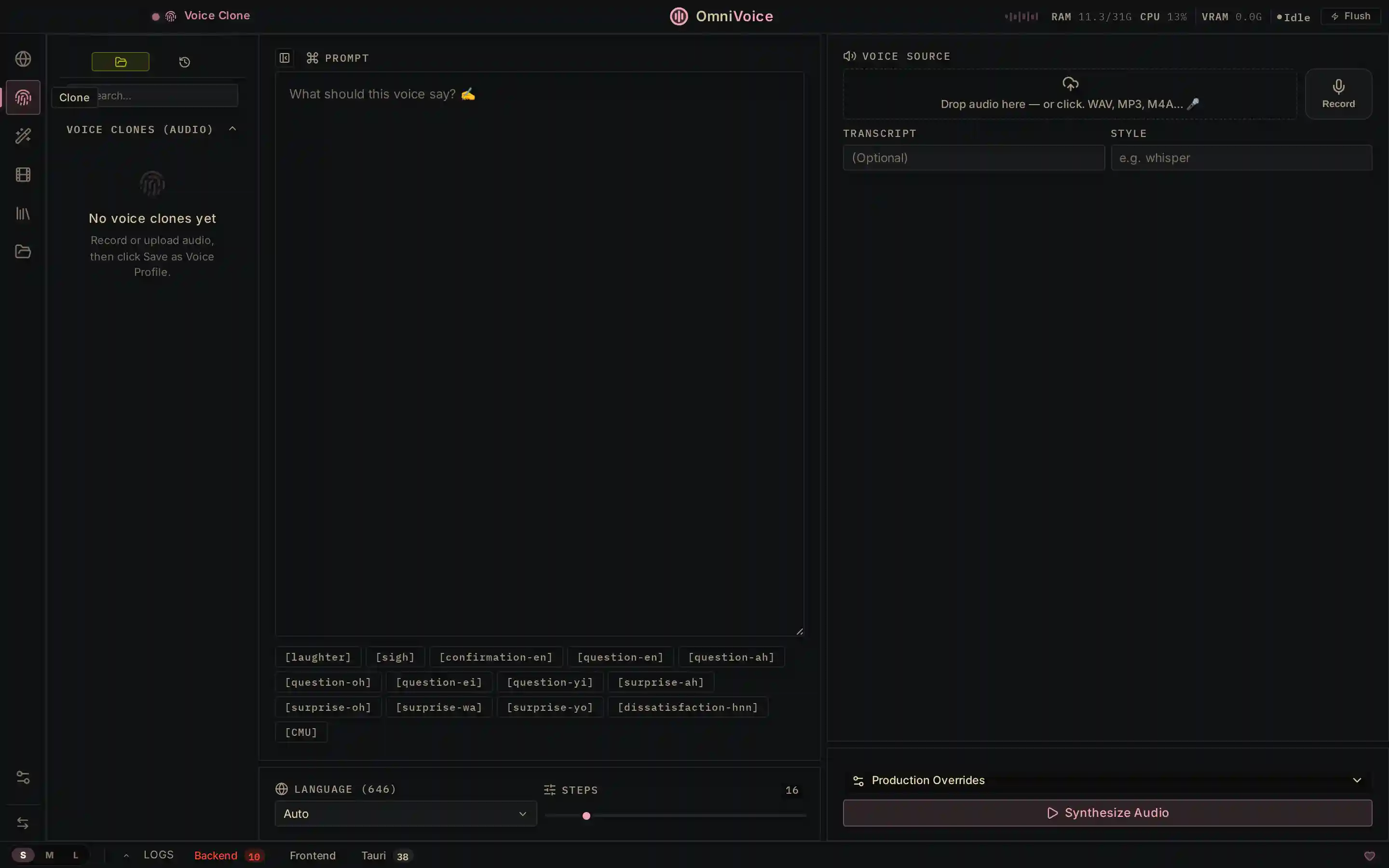
OmniVoice Studio brings enterprise-grade AI audio tools directly to your hard drive. Experience real-time dictation, zero-shot voice cloning, and cinematic video dubbing—all powered by your local hardware with absolutely zero API keys required.
Next-Generation Audio Processing
- Zero-Shot Voice Cloning: Provide a short audio sample of any voice, and OmniVoice will instantly map it to the generated text. No lengthy fine-tuning or model training required.
- 646 Languages Supported: Generate hyper-realistic TTS (Text-to-Speech) or perform cinematic video dubbing across hundreds of languages natively on your desktop.
- 100% Data Privacy: Your audio files and generated voices never leave your machine. OmniVoice operates completely offline, ensuring total intellectual property security.
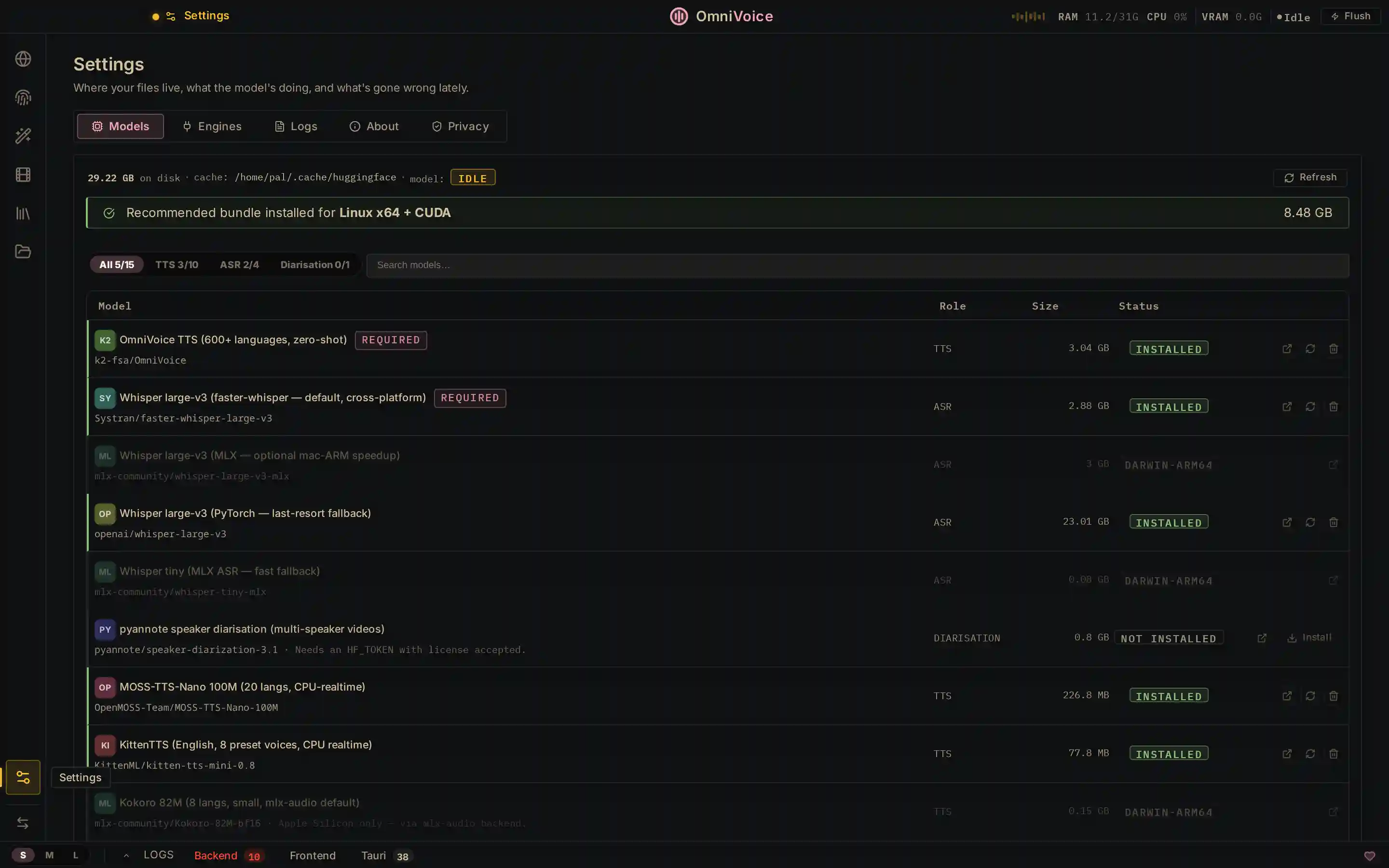
- Optimized for Desktop: Packaged into convenient, pre-compiled binaries for Apple Silicon, Windows, and Linux. Skip the Python dependency hell and install in one click.
Avoiding Dependency Hell
Because AI audio generation traditionally requires complex libraries like ffmpeg, PyTorch, and specific CUDA drivers, compiling from source often results in system conflicts.
The OmniVoice developers have solved this by compiling the application into native, self-contained packages. Simply download the installer for your operating system and launch the studio immediately.
System Requirements
macOS (Apple Silicon), Windows (x64), Linux (AppImage & Debian)