
Create bootable USB drives directly from your Android phone without root.
Utility
Screenshots
App Information
Environmentlocal
Size4.67 MB
CostFree
PlatformsWindows
About this app
Imagine this: Your computer just crashed with a fatal blue screen. You need to reinstall your operating system or boot into a live Linux environment to recover your files, but you don't have a second computer to flash the recovery USB. Your only working device is the Android phone in your pocket.
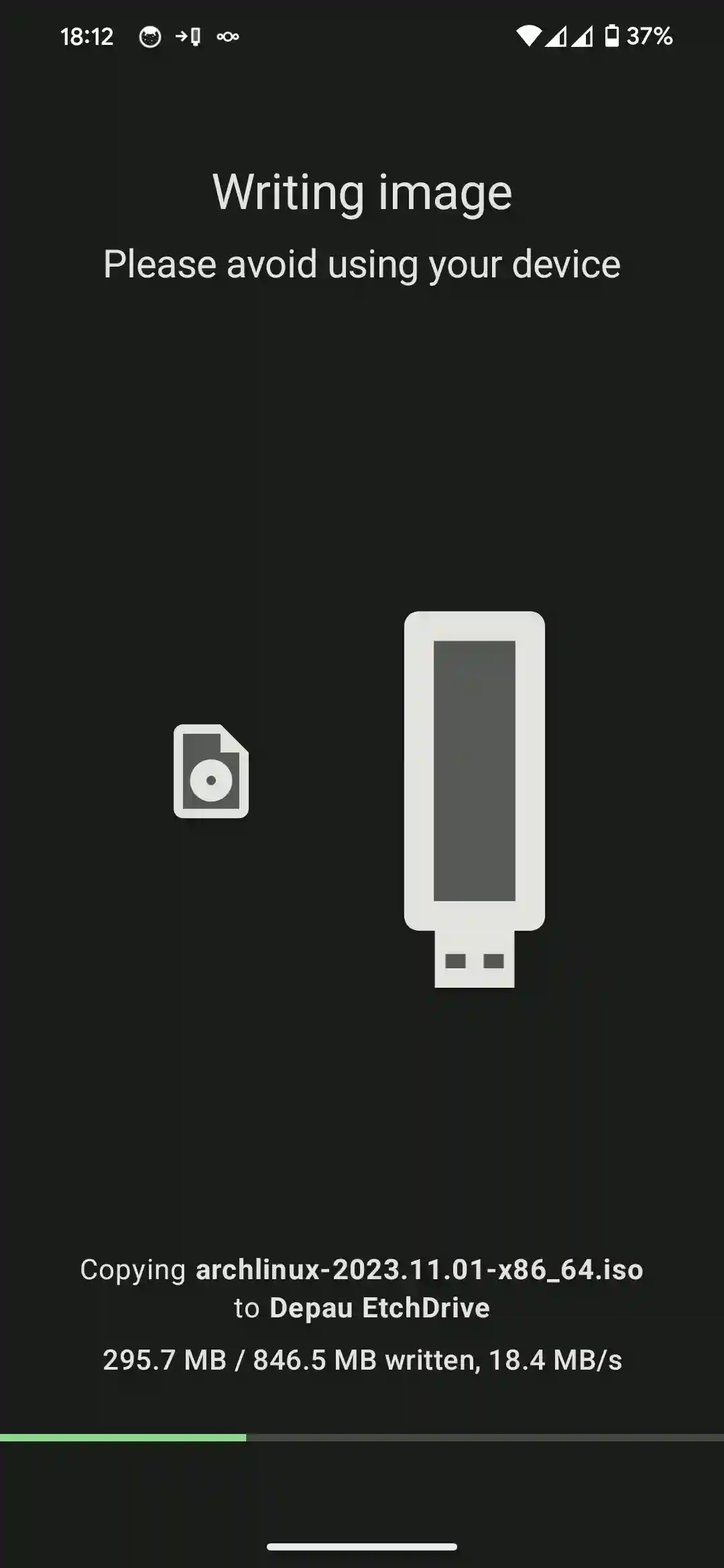
EtchDroid is a brilliant, open-source Android application that allows you to write OS images (like Ubuntu, Linux Mint, or Raspberry Pi OS) to a USB drive directly from your phone.
Why EtchDroid is a Lifesaver
- No Root Required: Unlike older Android utility apps, EtchDroid uses standard Android USB APIs. It works safely out of the box without compromising your phone's security.
- Wide Format Support: Write raw OS images, including .iso, .img, and DMG formats. Perfect for GNU/Linux distros and specialized recovery tools.
How to use EtchDroid
- Get an Adapter: Connect your USB flash drive to your Android phone using a standard USB-OTG (On-The-Go) adapter.
- Download the OS: Download your desired Linux ISO or OS image directly through your mobile browser to your phone's downloads folder.
- Flash the Drive: Open EtchDroid, select "Write raw image or ISO", pick your downloaded file, select your plugged-in USB drive, and tap flash!
Important Note for Windows ISOs: EtchDroid does not currently support writing Windows installation ISOs. It is designed specifically for GNU/Linux distributions, Raspberry Pi images, and DMG support.
System Requirements
Android 5.0+